

Camera frame
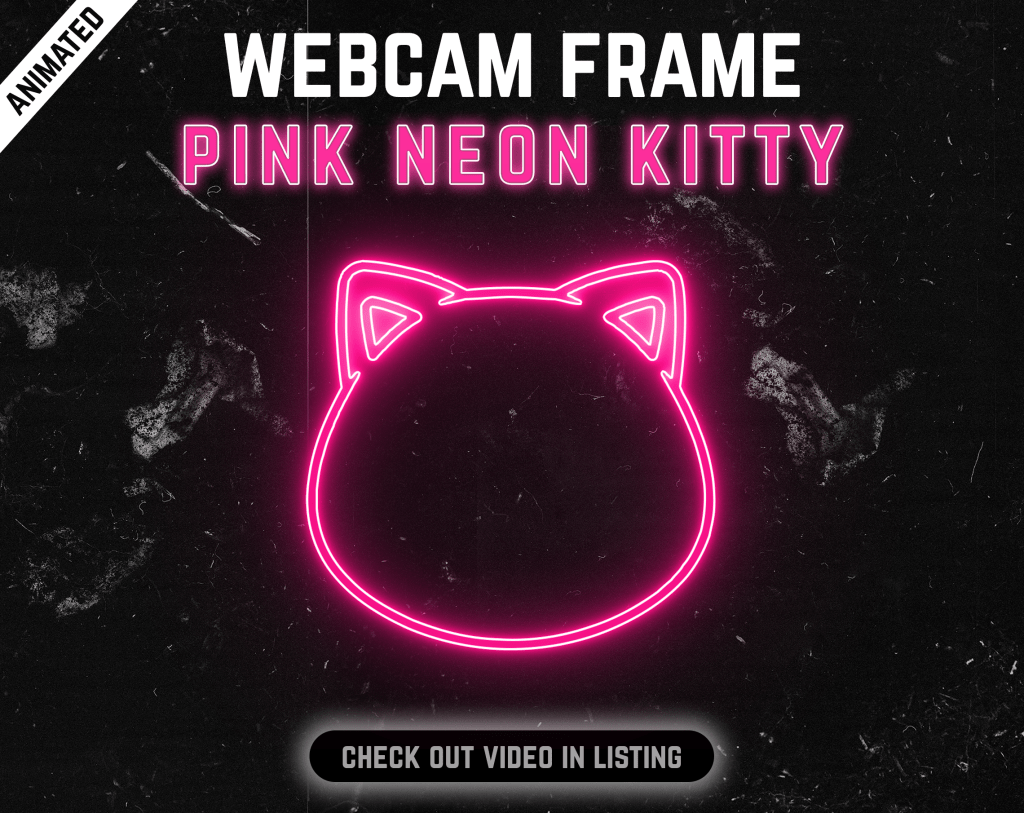
A ready-made border or animated frame for your webcam source.
Frame your camera
Ready-made camera frames for Twitch, YouTube and other streaming layouts, from minimal borders to animated statement pieces.
 41 products
Start with proven favourites
Know what you’re buying
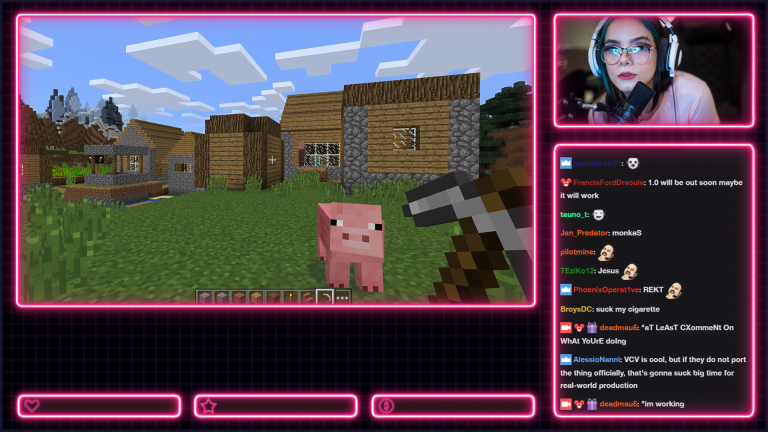
Webcam overlays are simple to add and can change the visual weight of a camera source without replacing the rest of your layout.
A ready-made border or animated frame for your webcam source.
Products designed as camera frames keep the centre clear for the camera feed.
Motion is listed clearly on each product.
Choose by colour, mood and overall stream direction.
Product Details lists the exact included file format.
The digital files are available after checkout.
Before you choose
A webcam overlay frames the camera source and helps it feel integrated with the rest of the stream instead of floating on top of the scene. Animated frames add motion, while simpler designs can keep attention on the creator and gameplay.
Check the individual product for its aspect ratio, dimensions, motion type and file format before purchase.
Quick answers
Yes. Image and video sources can be scaled and positioned in OBS to match the camera source.
Camera-frame products use transparency where required; the individual product details identify transparency and format.
Loop behaviour depends on the asset. Check the product details for the exact media type.
Build the rest of your setup
Ready when you are
Browse the full category in the Oakway shop and sort products by best sellers, newest releases or price.