


Starting Soon
Set the visual tone before the stream begins.
Before, between and after
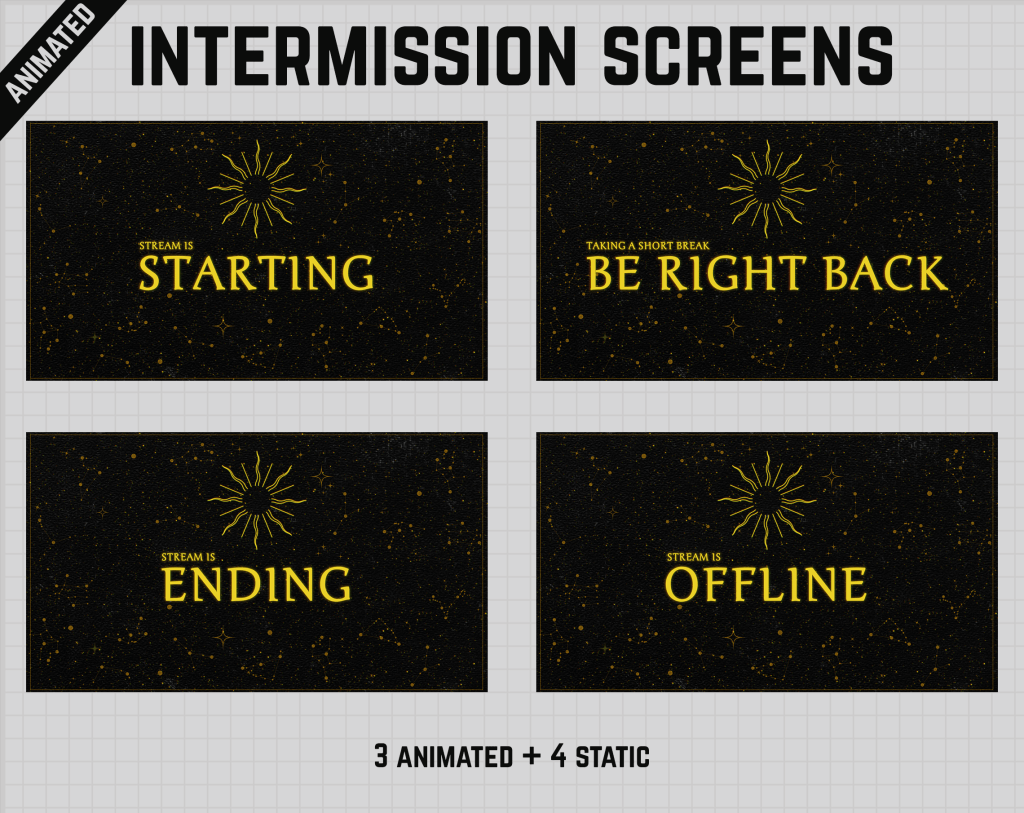
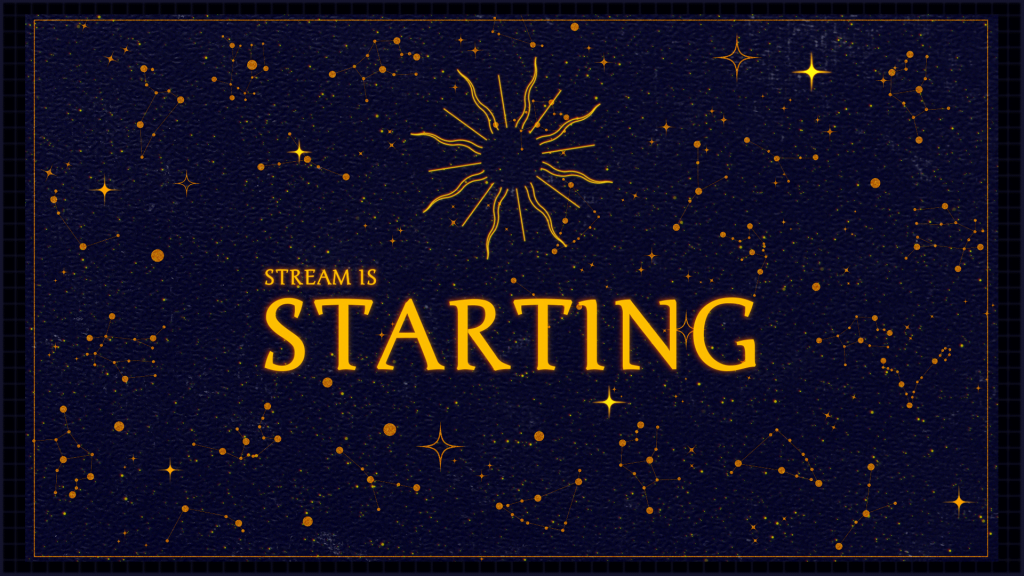
Starting Soon, Be Right Back, Ending and Offline screens that keep the stream identity consistent even when the main content is not on screen.
 17 products
Start with proven favourites
Know what you’re buying
Screen sets can include several common stream states. The exact included screens and media specifications are listed on each product.
Set the visual tone before the stream begins.
Keep the channel branded during short breaks.
Close the session with a consistent final scene.
Use a matching image where included.
Choose the amount of motion that fits your setup.
Resolution and aspect ratio are listed per product.
Before you choose
Intermission screens handle the parts of a stream when gameplay or camera content is temporarily replaced. Using a consistent set prevents the channel from feeling visually disconnected during breaks and transitions.
The product page lists which screens are included and whether they are animated or static.
Quick answers
Included screen names are listed on each product page and vary by set.
Some are animated and some static. The Motion and technical details identify the format.
Standard image and video scene sources can be used in both applications when the format is supported.
Build the rest of your setup
Ready when you are
Browse the full category in the Oakway shop and sort products by best sellers, newest releases or price.