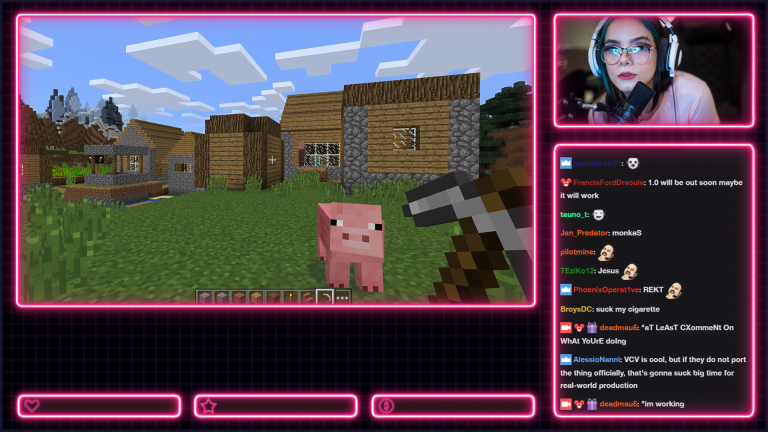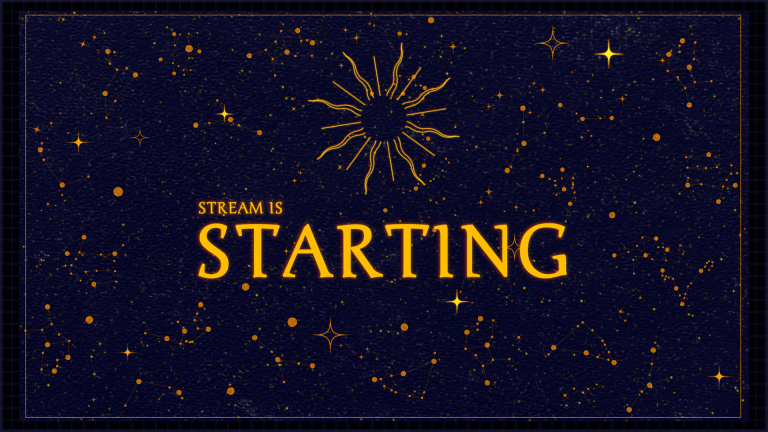
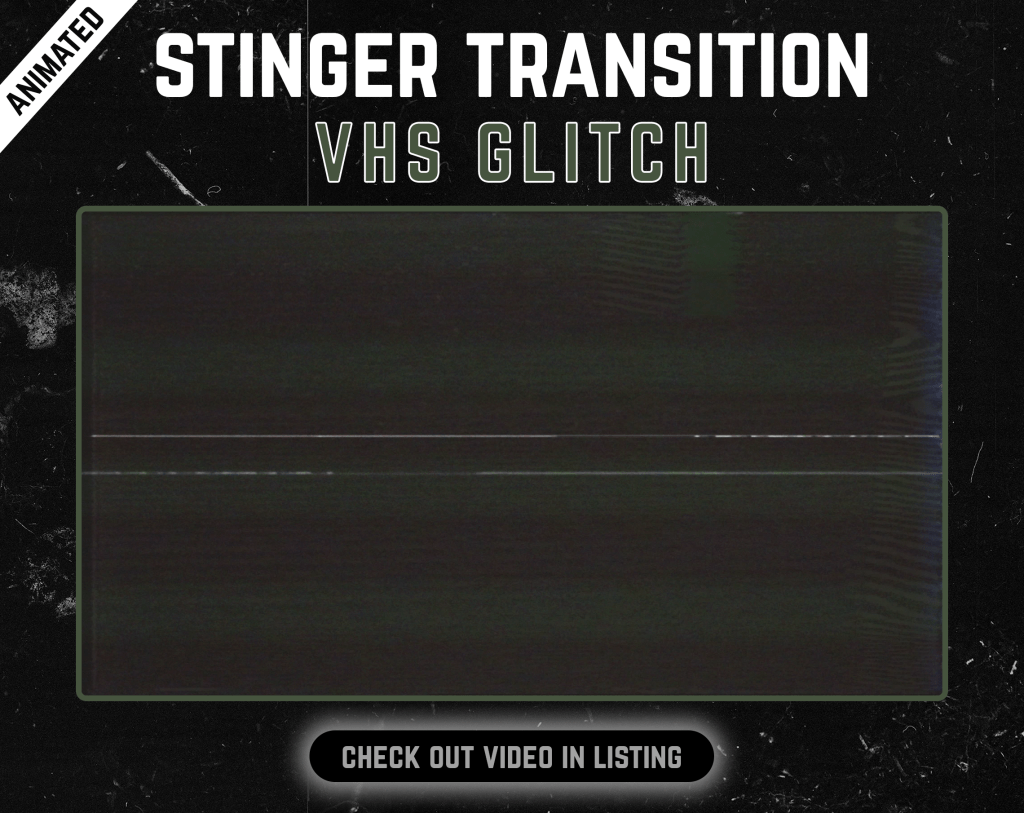
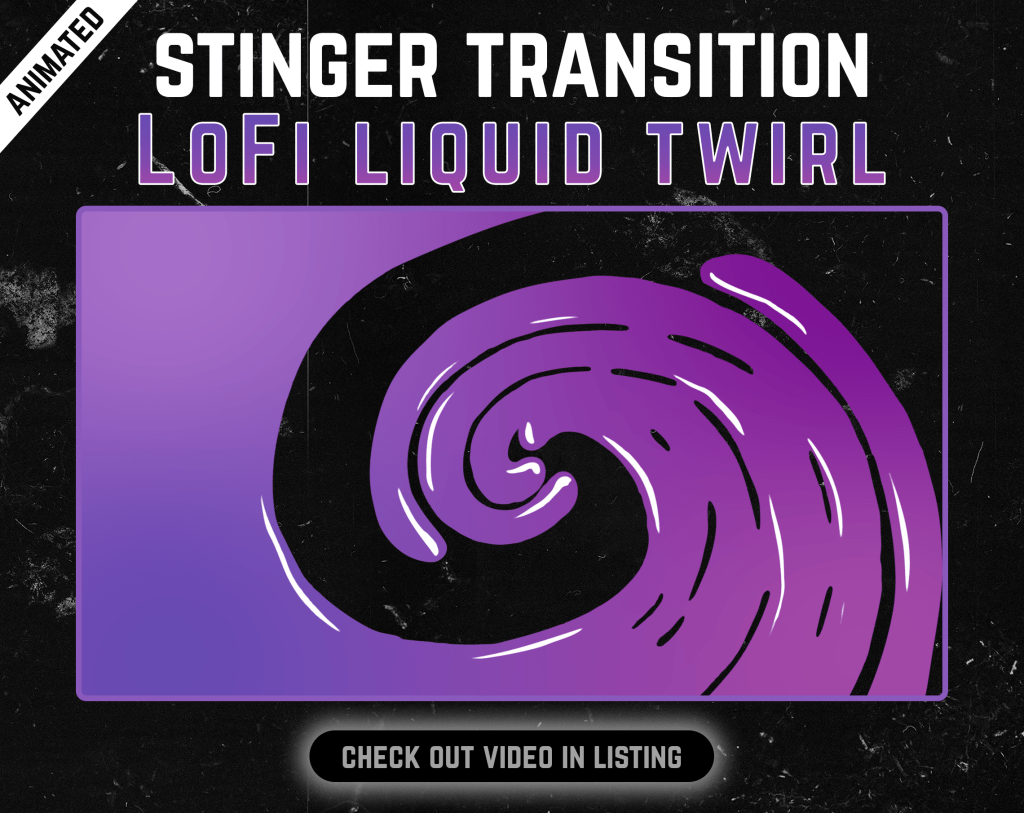
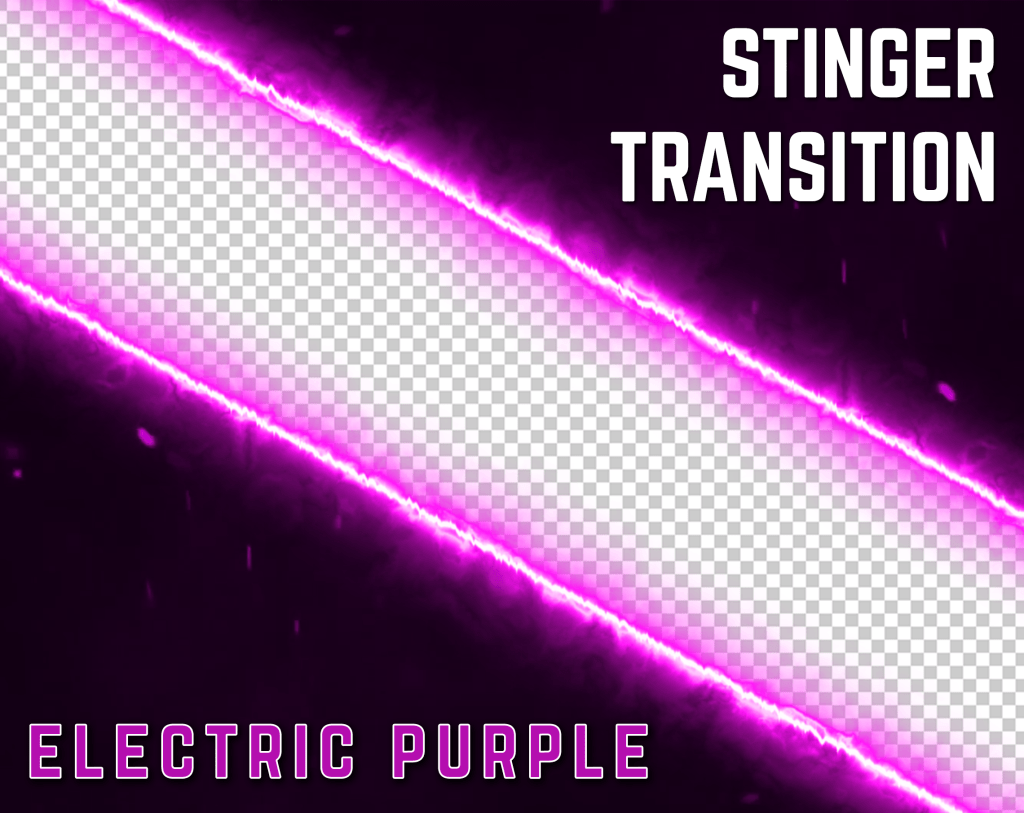

Animated transition
A ready-made visual transition between scenes.
Move between scenes
Animated scene transitions for OBS Studio and modern streaming setups, built to make switching scenes feel like part of the stream design.
 61 products
Start with proven favourites
Know what you’re buying
Each stinger is a focused transition asset. Product pages list the technical details needed to add it to a compatible streaming setup.
A ready-made visual transition between scenes.
Product-specific duration and transition-point details where available.
Alpha transparency is identified in the product details when supported.
Designed for standard stinger transition sources.
Resolution, FPS and format are kept visible on the product page.
Purchase once and download the included digital file.
Before you choose
A stinger transition briefly covers the stream while OBS or another streaming application switches from one scene to another. The best choice is usually one that matches the pace, colours and overall visual direction of the rest of the channel.
Check the individual product page for duration, transition point, resolution, frame rate and transparency before adding the stinger to your streaming software.
Quick answers
It is a short animated video used while switching between stream scenes.
Yes, supported video formats can be used as Stinger transitions in OBS Studio.
Only when explicitly stated in the individual product details.
Build the rest of your setup
Ready when you are
Browse the full category in the Oakway shop and sort products by best sellers, newest releases or price.