
Follow alerts
Give new followers a clear on-stream moment.
Make every event feel intentional
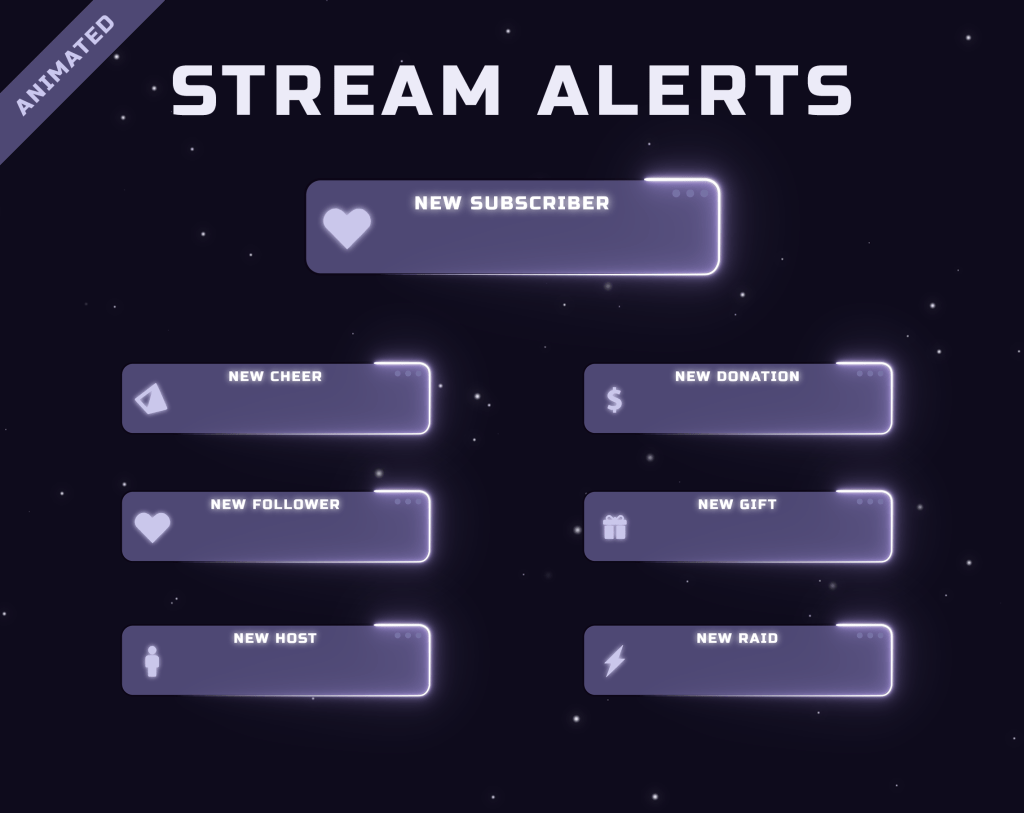
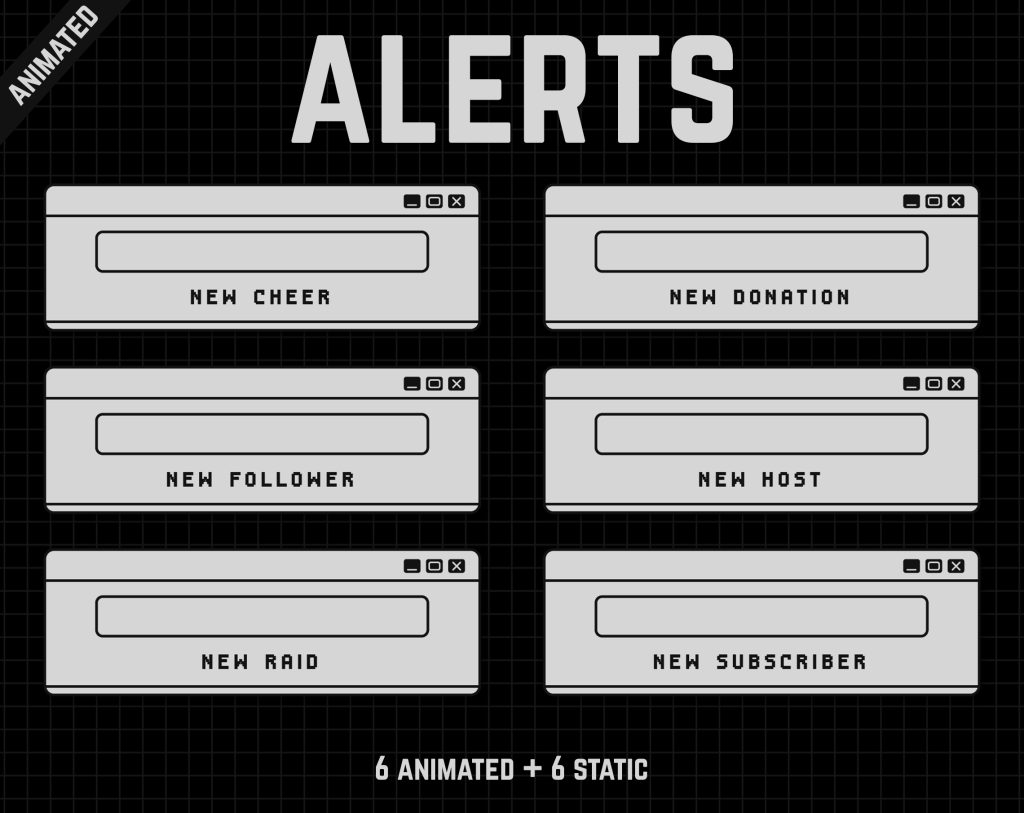
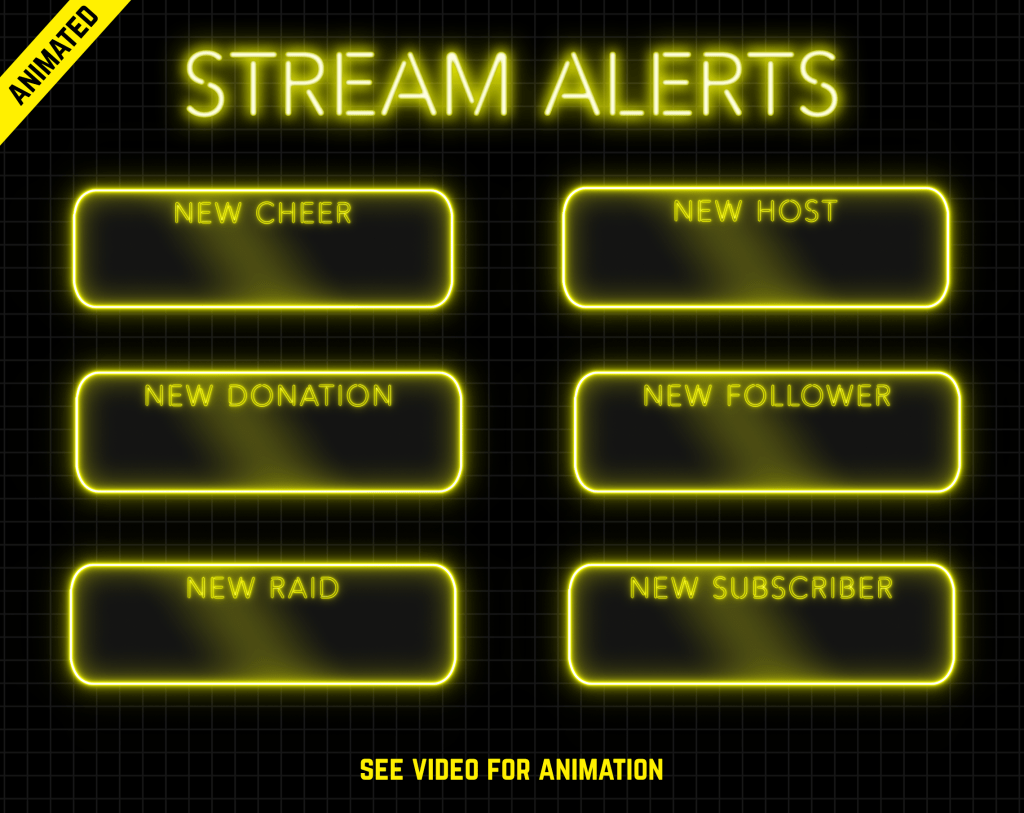
Ready-made stream alerts for follows, subscriptions, raids and other channel events, designed to add personality without rebuilding your whole stream layout.
 17 products
Start with proven favourites
Know what you’re buying
Alert packs focus on the event animations themselves, with the exact variants and technical details listed on each product page.
Give new followers a clear on-stream moment.
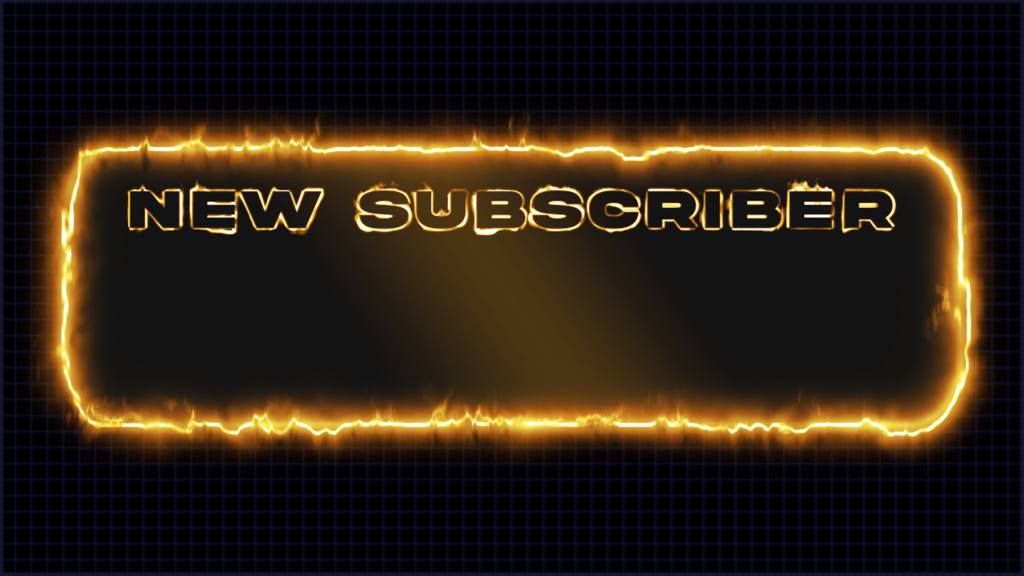
Celebrate new and returning subscribers.
Welcome incoming communities with a matching animation.
Use matching event graphics where included.
No animation work required before adding the files to your setup.
Many alert designs belong to wider Oakway design families.
Before you choose
Stream alerts are short visual reactions that appear when viewers follow, subscribe, raid or trigger other supported events. A strong alert should be noticeable without covering the content for longer than necessary.
Oakway alert products are ready-made digital assets. Check each product for the exact included alert variants, formats, resolution and software compatibility.
Quick answers
The included alert types vary by product and are listed on its Product Details section.
Many Oakway alerts are animated. The Motion and file format details on each product page confirm the format.
Compatibility depends on the product and workflow. Check the compatibility details shown on the product page.
Build the rest of your setup
Ready when you are
Browse the full category in the Oakway shop and sort products by best sellers, newest releases or price.